
Sizing a DMX512 Channel Budget for a Mixed RGB/RGBW Facade
How an anonymised media facade enquiry is handled: 27 pixel models, 36-400 points/m2 densities, RGB vs RGBW channel budgets and a per-model control check.
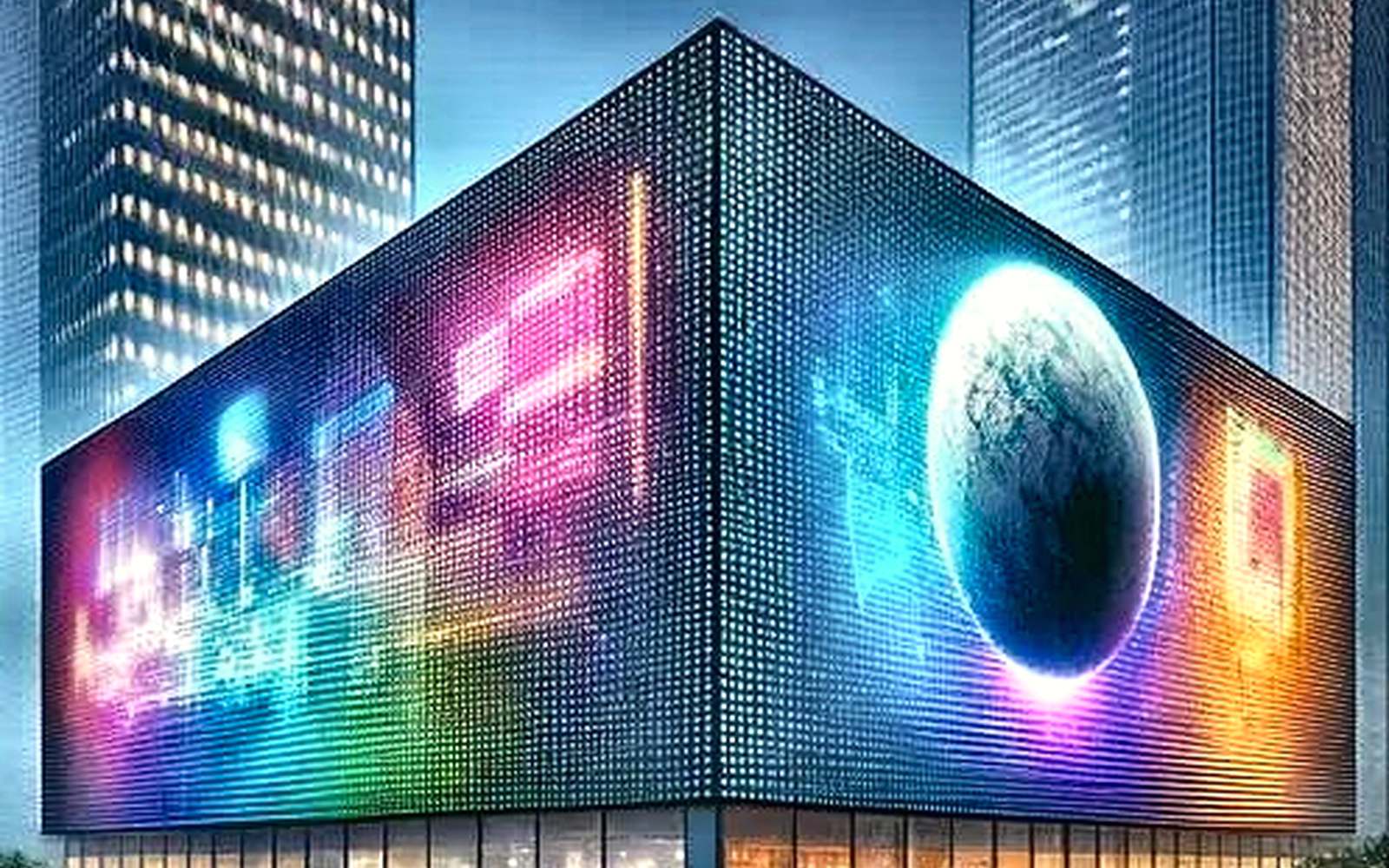
A media facade fails at commissioning when the channel budget is sized after the luminaires are ordered. For an anonymised RGB/RGBW facade enquiry, GDXC worked from 27 catalogued pixel and point light models with densities from 36 to 400 points per square metre, separated RGB and RGBW channel counts, and confirmed DMX512 availability on each model row before any addressing plan was issued.
The starting condition
The enquiry described a dynamic facade combining static white outlines, RGB accents and RGBW animated zones, but did not state which fixtures were addressable. Assuming DMX512 across the whole order would have produced a channel budget that no controller could support, and would have mixed four-channel RGBW nodes with three-channel RGB nodes on the same universe plan.
Constraints
| Catalogue basis | 27 pixel / point light models (GD-P, GD-PM) |
|---|---|
| Node density options | 36 / 64 / 100 / 144 / 256 / 400 points per square metre |
| Channel count | RGB = 3 channels; RGBW = 4 channels per node |
| Universe limit | 512 channels per DMX512 universe |
| Supply | DC12V / DC24V by pixel model family |
| Catalogue notation | MDX512 spelling in some source rows; DMX512 confirmed per model |
| Scope | Addressing coordination only; no content or controller programming |
What changed in the specification
- Control mode
- Channel budget
- Node density
- Deliverable
What the review changed, and why
- Split the facade into control zones Static white outlines, RGB accents and RGBW animated zones were separated into their own BOM sections. This prevents a single channel budget being applied to zones with different channel counts.
- Confirm control per model row DMX512, TTL and ON/OFF appear on different catalogue rows, and DMX512 is listed only on selected entries. We marked each candidate model with its documented control mode instead of assuming family-wide capability.
- Set density from viewing distance The documented 36 to 400 points per square metre configurations were tabled against the intended viewing distance. Higher density multiplies node count, cable count, universes and power supply size in the same proportion.
- Issue the channel and universe plan Each RGBW node consumes four channels and each RGB node three. The addressing worksheet records channels per zone and the resulting universe allocation, with power injection points left to the client electrical engineer.
“The channel budget is a fixture-schedule problem, not a programming problem. RGB and RGBW nodes have different channel counts, and DMX512 is not listed on every model row, so the addressing plan is fixed before the BOM is released.”
GDXC Project Engineering, Internal engineering note - not a customer testimonial — System integrator (anonymised)
Where this approach stops working
This is an anonymised description of a recurring engineering question, not a completed installation. No customer name, project name, node count, controller quantity, price or performance result is claimed. Content creation, controller programming, media server configuration, voltage-drop calculation and commissioning remain with the client integrator and electrical engineer.
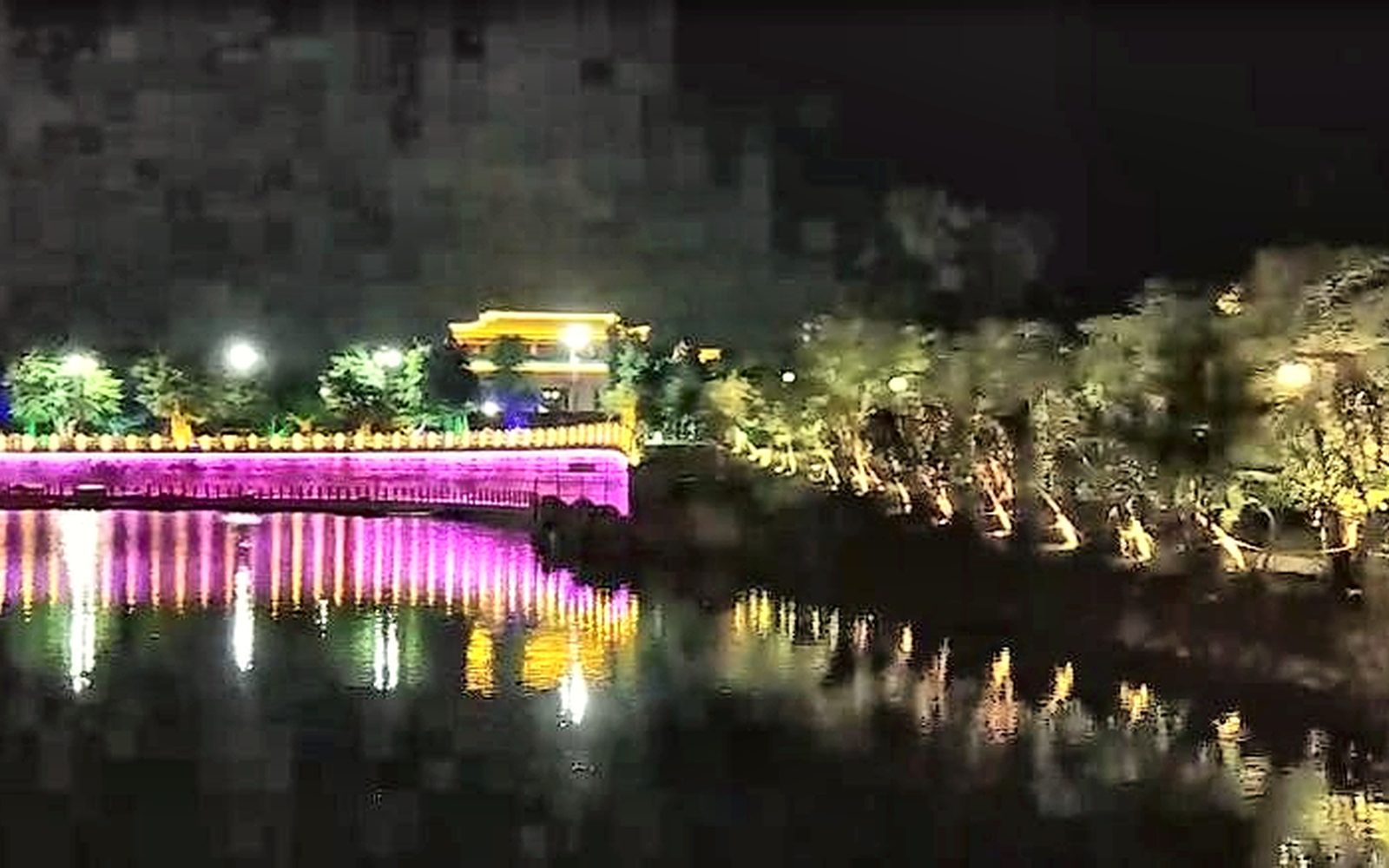
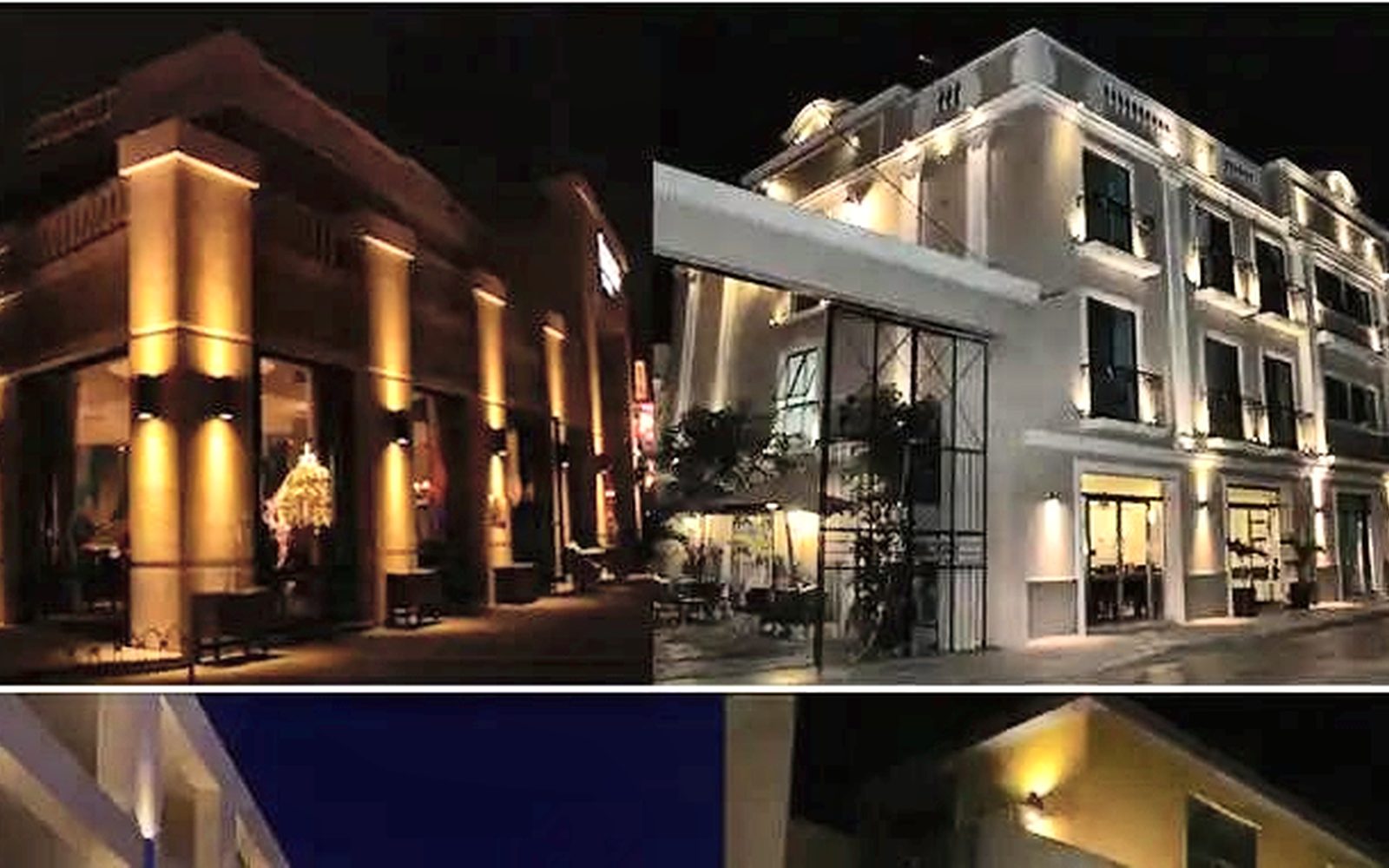
Lighting effect references
Related product families
Architectural Linear Lights
An architectural linear light is a continuous extruded luminaire used to trace building outlines, curtain wall mullions, bridge edges and cornices rather than to wash a surface. Guangdi Xingcan catalogues 10 GD-L linear models plus the GD-U contour families, typically in 1000, 500 and 260 mm lengths at DC24V, with IP65 construction, single colour / RGB / RGBW output and ON/OFF, TTL or DMX512 control..
View productPixel & Point Lights
A pixel point light is an individually addressable LED node used to build low-resolution video, animation and chasing effects across a building skin or bridge cable. Guangdi Xingcan catalogues 27 pixel and point light models (GD-P and GD-PM families), with DC12V/DC24V supply, single colour / RGB / RGBW output, DMX512 control and node densities from 36 to 400 points per square metre..
View productFlexible Linear Lighting
A co-extruded flexible linear profile, commonly called LED neon flex, is a continuous silicone-encapsulated LED strip that emits a dot-free line and can follow curved outlines. Guangdi Xingcan documents 53 such entries: 48 neon flex profiles, 2 wall-washer strips and 3 slim rigid bars, with sections from 6x6 mm to 20x20 mm, a 120 degree emitting angle and top-view, side-view and COB variants..
View productFrom a Night-Effect Photo to a Wall Washer Shortlist
Read application noteStructuring a DC24V Bridge Outline into Segments and Zones
Read application noteSeparating Dry, Rain-Exposed and Submerged Lighting Zones
Read application noteSend your facade drawings or lighting effect renders
Share an elevation drawing, an effect render or a draft fixture list. Our project engineers return a fixture BOM, beam-angle and optical distribution suggestions, and DMX512 addressing coordination. Final selection, quotation and installation are confirmed with your technical team.